Template
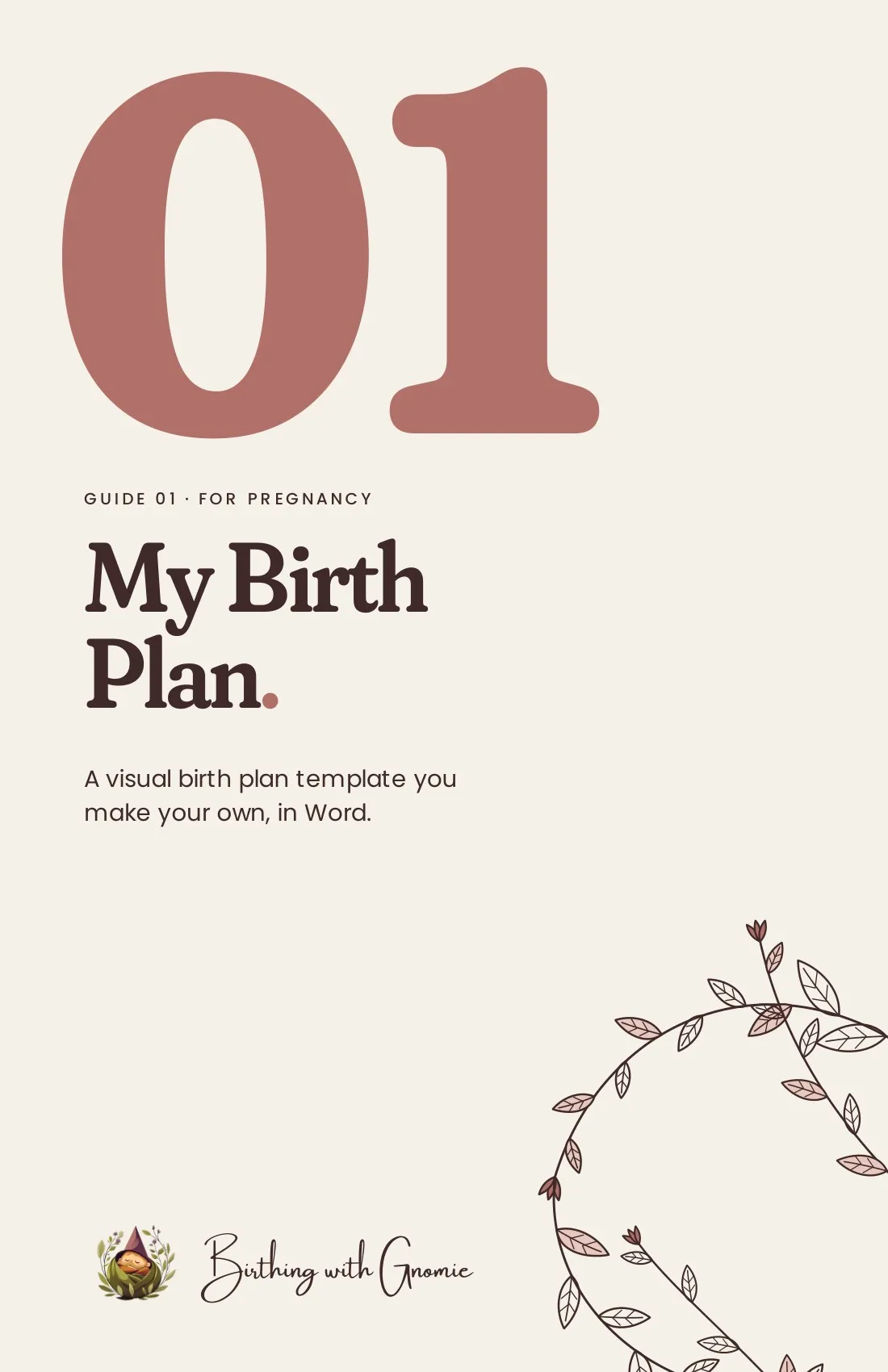
My Birth Plan
$20
A visual birth plan template you can make your own. Open it in Word, delete the preferences that do not fit you and the rest close up neatly, then add your details and share it with your birth team. Print it for your hospital bag or keep it on your phone.
Checkout for this template is opening soon.
Talk to me about it firstTell me what you’re hoping for and I’ll say honestly whether this is the right one.
- Format
- Editable Word template with 73 illustrated preferences, plus a start-here guide and a preview PDF, in one download
- What’s inside
-
- 73 illustrated preferences in 9 sections
- Delete what does not fit and the rest close the gap
- Edit in Word, then print or save to your phone
- Good to know
- You will need Microsoft Word to edit the template. The Word app on your phone works too.
Who it’s for
- Expecting parents who want a birth plan their care team can read at a glance
- Anyone who would rather edit a ready-made template than start from a blank page
- People who want to talk through their options with their provider before the day
What each section covers
-
Nine sections, 73 preferences
Where and who, labor environment and comfort, monitoring and procedures, pain relief, pushing and birth, cord and placenta, the golden hour, newborn procedures, and feeding and newborn care, plus room for anything else your team should know.
-
Keep what feels right
Delete any preference that doesn’t fit you and the rest move up to close the gap, so the finished plan stays neat.
-
Add your details and share
Your name, due date and birth team go at the top. Print it for your hospital bag, or save it as a PDF on your phone.
-
Read every option first
The All Options PDF shows all 73 preferences, so you can read through them before you start editing.
Questions about My Birth Plan
- Do I need Microsoft Word?
- Yes, Word on a computer or the Word app on your phone. Delete the preferences that don’t fit and the rest close up neatly.
- Can I see every option before I edit?
- Yes. The download includes a PDF with all 73 preferences, so you can read them first.
- Is this medical advice?
- No. This template is general education, with its sources listed at the end. Your OB, midwife, or care provider knows your situation, so bring your questions to them.
Want in-person help too? Virtual prenatal support
This template is general education, not medical advice. Talk with your OB, midwife, or care provider about your own care. In an emergency, call 911.